 DeepUIComponents
The library
Every scene.
Ready to drop in.
Open any component to tune it live, then copy the exact code. 23 scenes and counting.
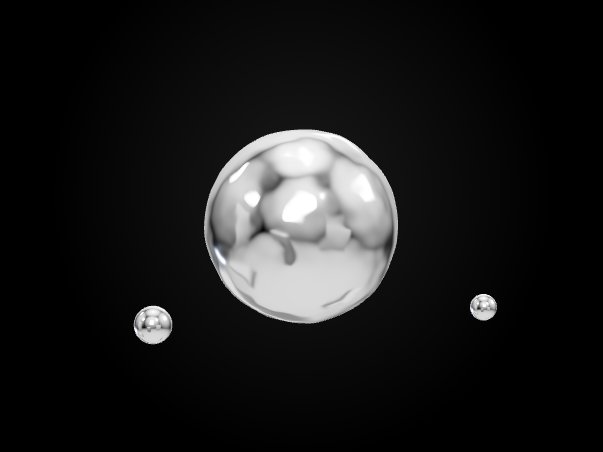
Isolated · Chrome
Liquid Chrome
→A chrome blob whose surface flows like liquid metal, orbited by two satellites. Fully tunable.
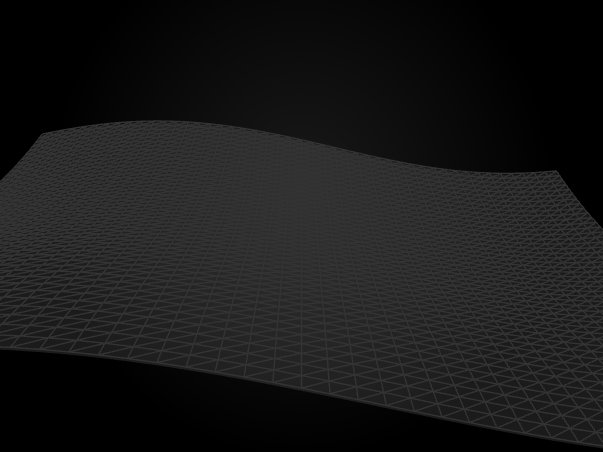
Background · Procedural
Wave Field
→A plane displaced live in the vertex shader, meant to sit behind your content as a page background.
Background · Particles
Point Cloud Field
→A slowly rotating cloud of points for a subtle, ambient page background.
Background · Particles
Particle Field
→Thousands of GPU particles drifting on a noise flow and parting around the cursor.
Background · Procedural
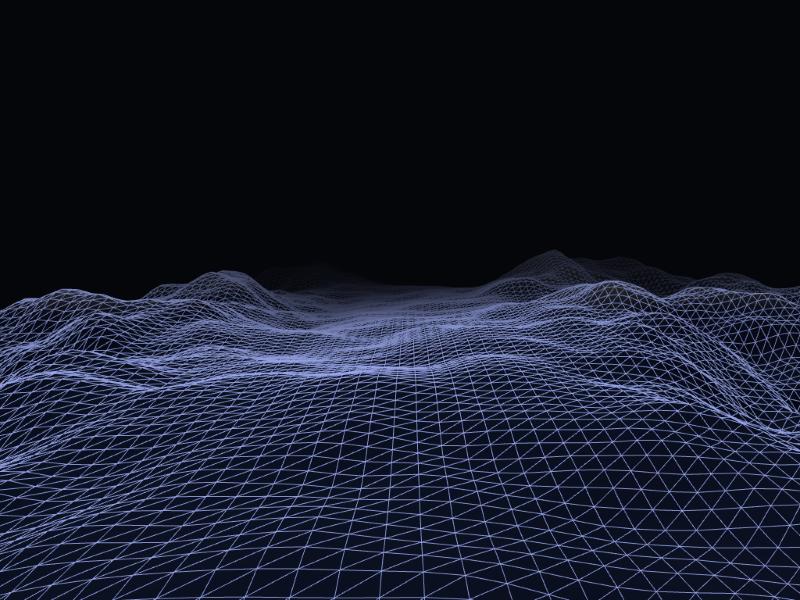
Procedural Terrain
→An endless wireframe landscape streaming towards the camera and fading into fog.
Background · Fluid
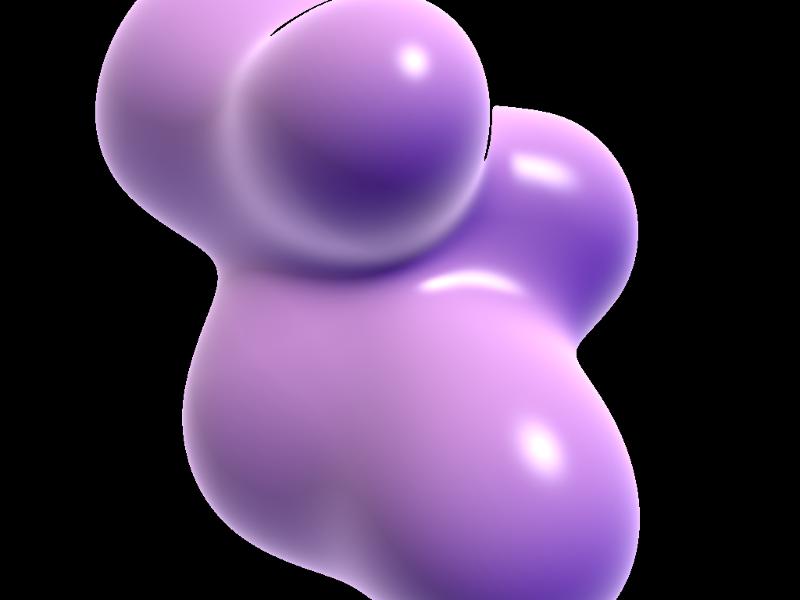
Organic Fluid
→Raymarched metaballs merging like a lava lamp; one of them follows the cursor.
Background · Instanced
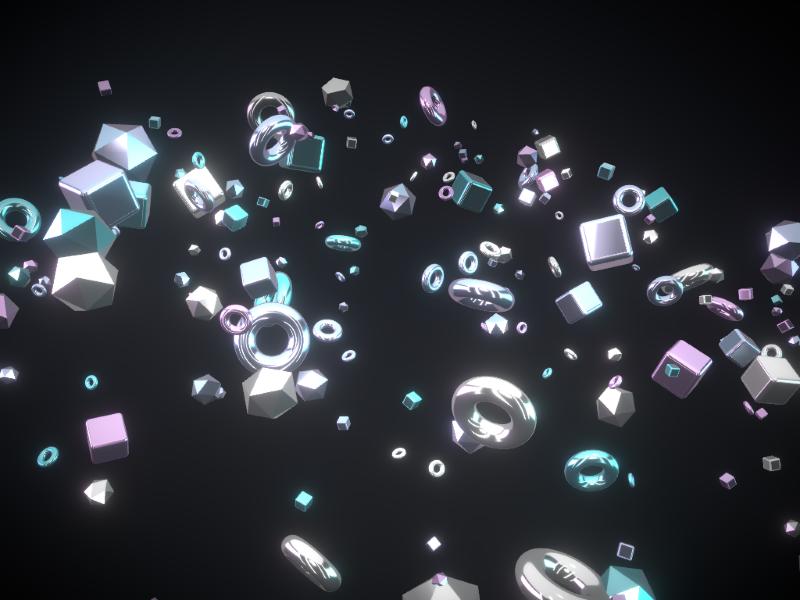
Floating Shapes
→A tilted galaxy of iridescent chrome cubes, tori and gems orbiting in a studio light. Hover to push, click to send a shockwave.
Background · Tunnel
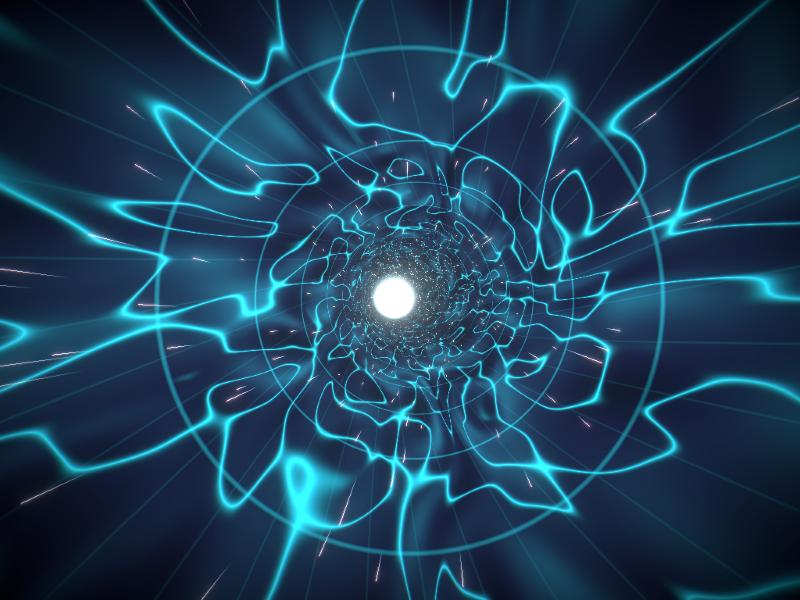
Wormhole Tunnel
→Flight through a twisting tunnel of flowing plasma, with warp streaks and a white-hot core. Scroll to hit warp speed.
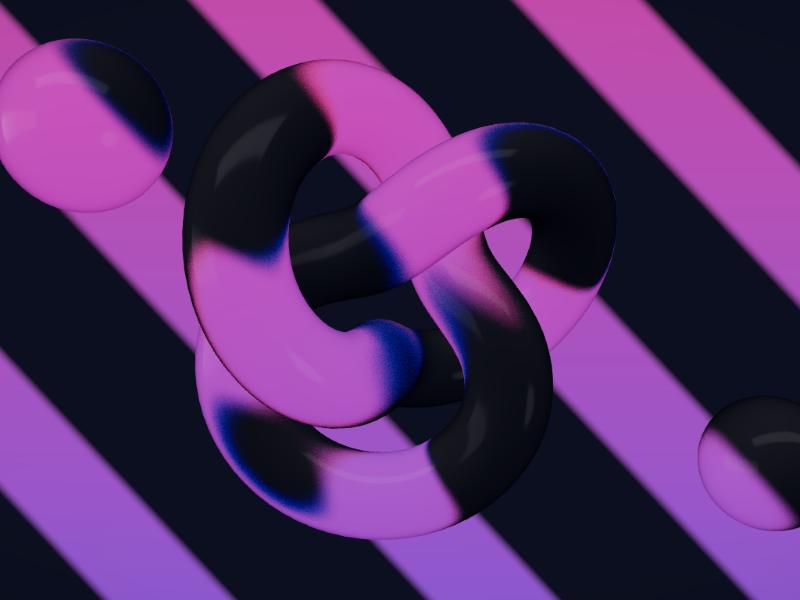
Background · Glass
Glassmorphism
→A glass knot and spheres refracting colored bands, with tunable transmission and chromatic aberration.
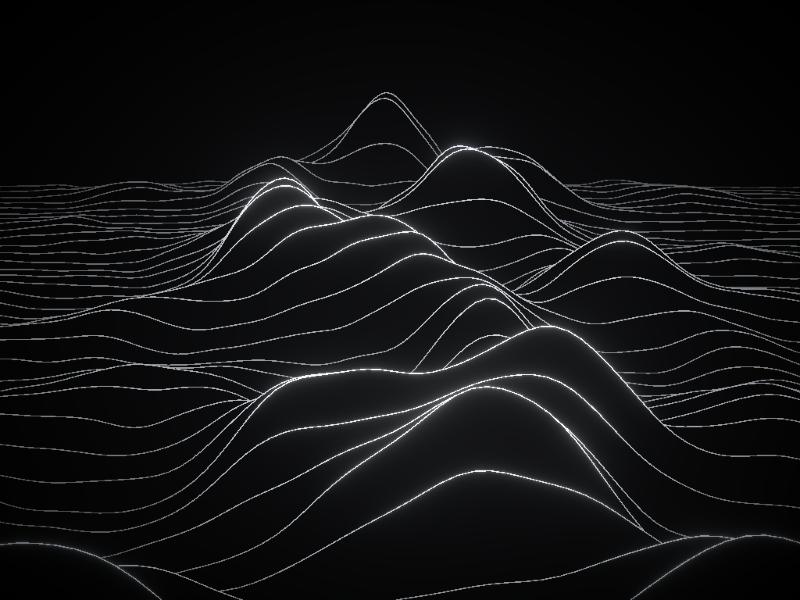
Background · Lines
Topographic Lines
→Glowing ridge lines rolling like a contour map; the cursor leaves shock waves across them.
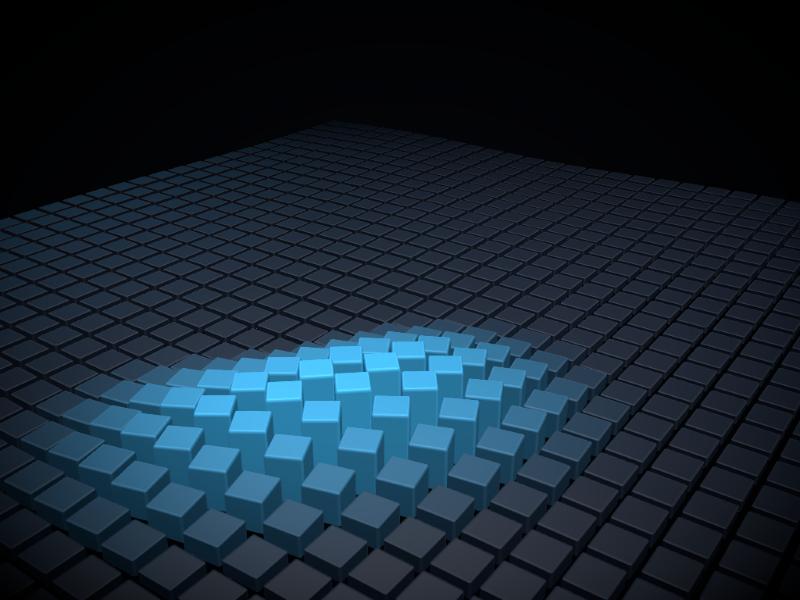
Background · Grid
Grid Matrix
→A field of modules that rise, turn and glow around the cursor, with a ghost cursor when there is none.
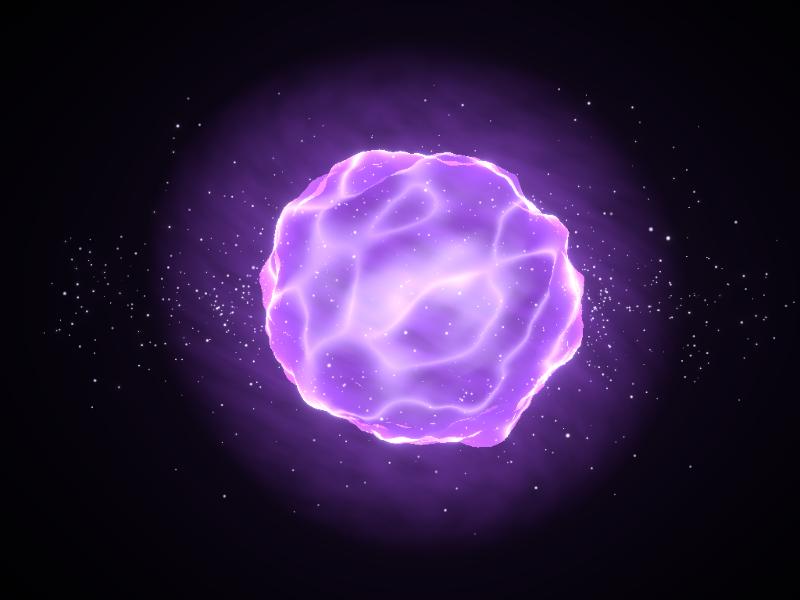
Background · Energy
Volumetric Aura
→A turbulent energy sphere that follows the cursor and stretches like a comet as it moves.
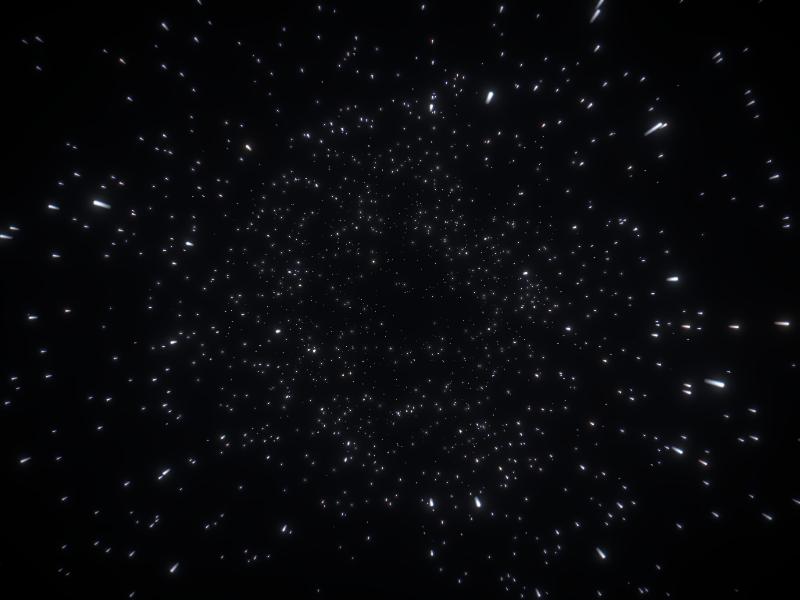
Background · Space
Hyperspace Starfield
→Thousands of stars streaking towards the camera; scrolling triggers the jump to hyperspace.
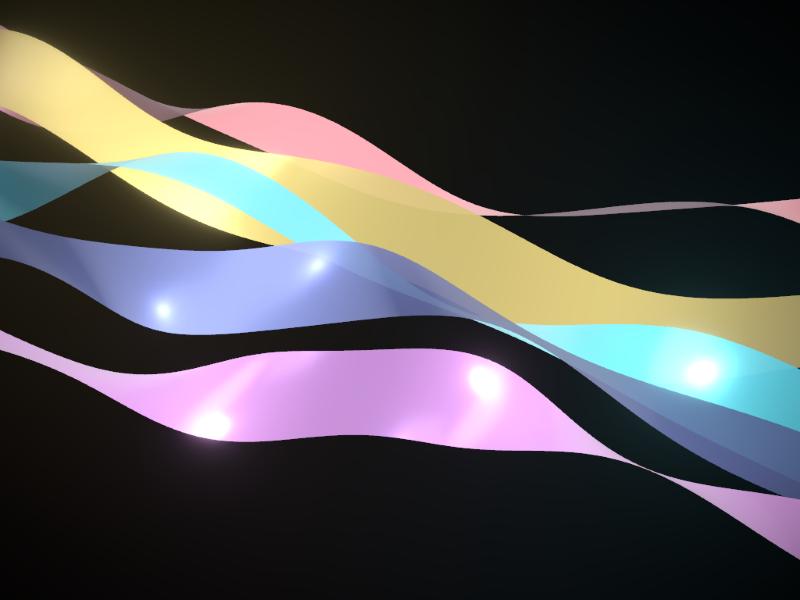
Background · Ribbons
Ribbon Waves
→Pastel satin ribbons undulating in layers, with a glowing neon wireframe mode.
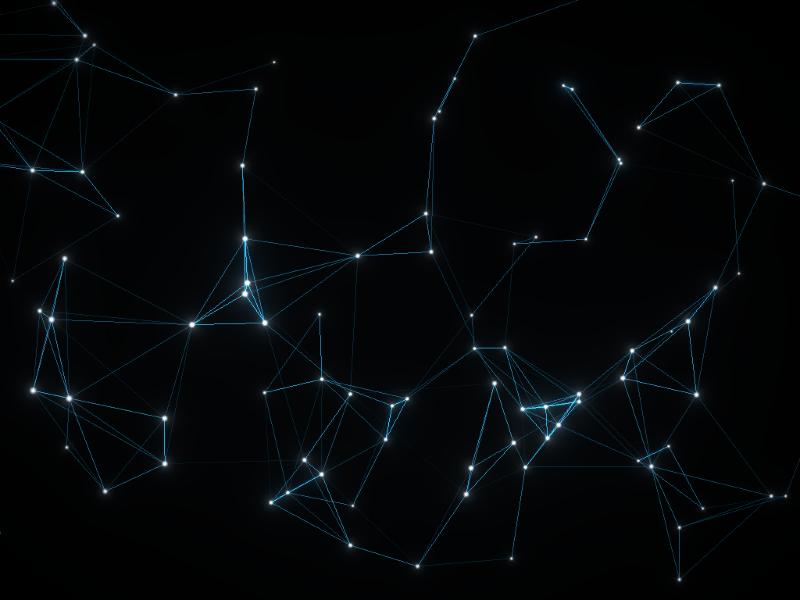
Background · Network
Plexus Network
→Drifting nodes linked by proximity: hovering repels them, holding the button attracts them.
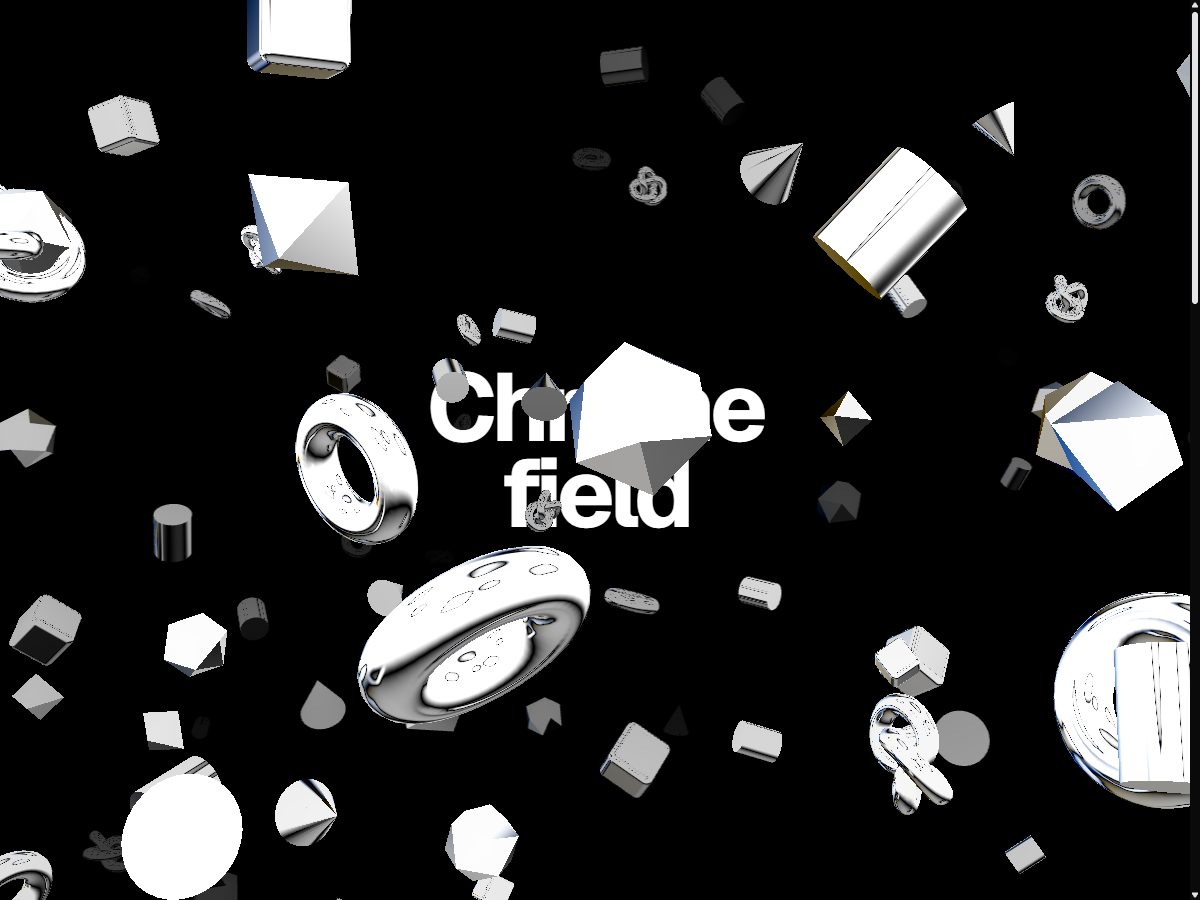
Background · Chrome
Chrome Field
→Hundreds of instanced chrome shapes: a fixed background the camera flies through on scroll, or a foreground layer.
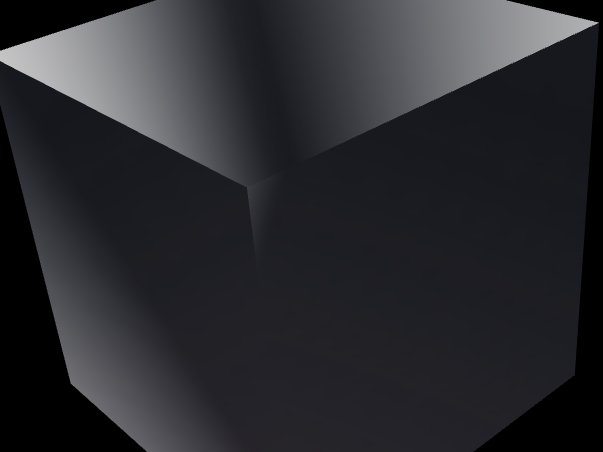
Isolated · Chrome
Chrome Cube
→A single sharp-edged chrome cube, alone on stage, tilting towards the cursor.
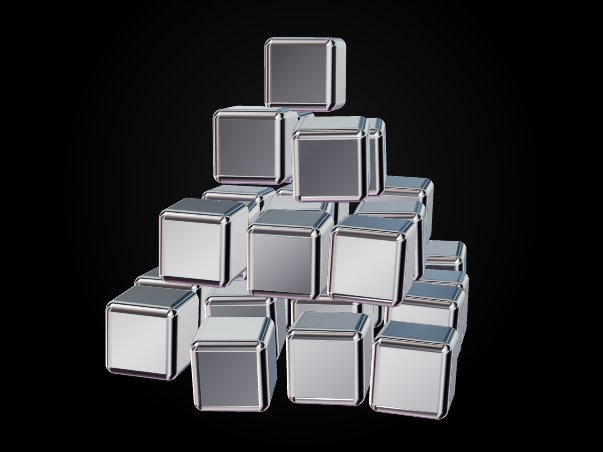
Isolated · Chrome
Chrome Formation
→Thirty chrome cubes assembling into formations, ready to be driven by scroll.
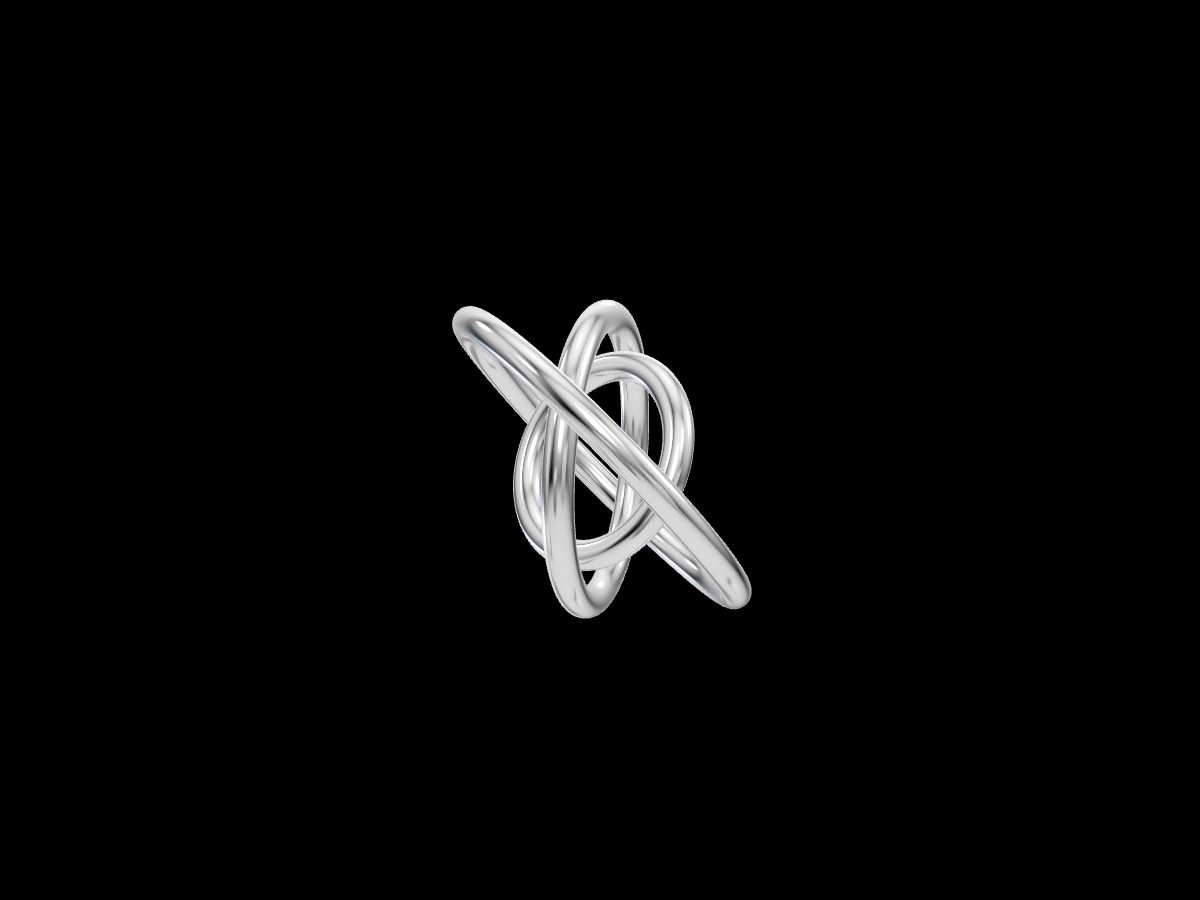
Isolated · Chrome
Chrome Rings
→A gyroscope of three chrome rings that align, then grow past the viewport, driven by a progress value.
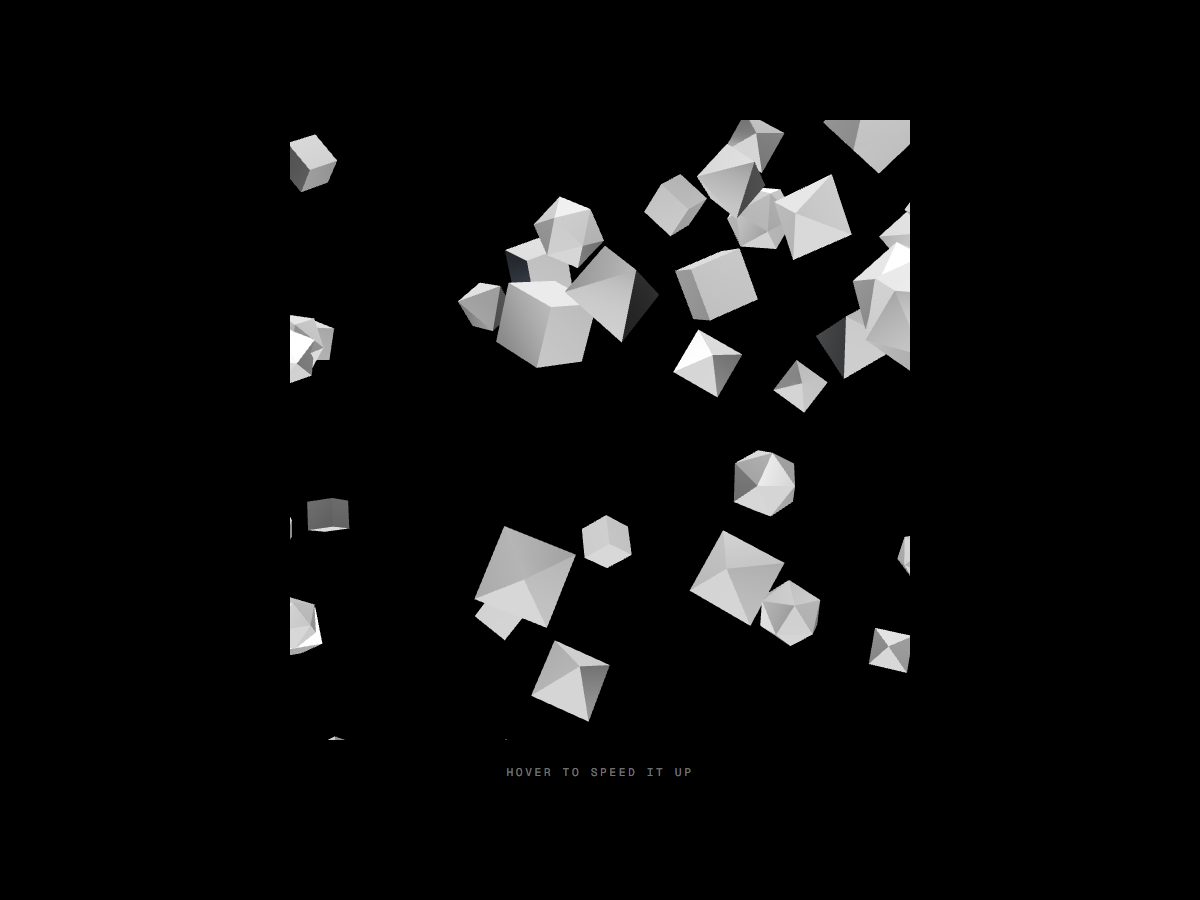
Isolated · Chrome
Chrome Swarm
→A swarm of instanced chrome shapes drifting upwards; it rushes when hovered.
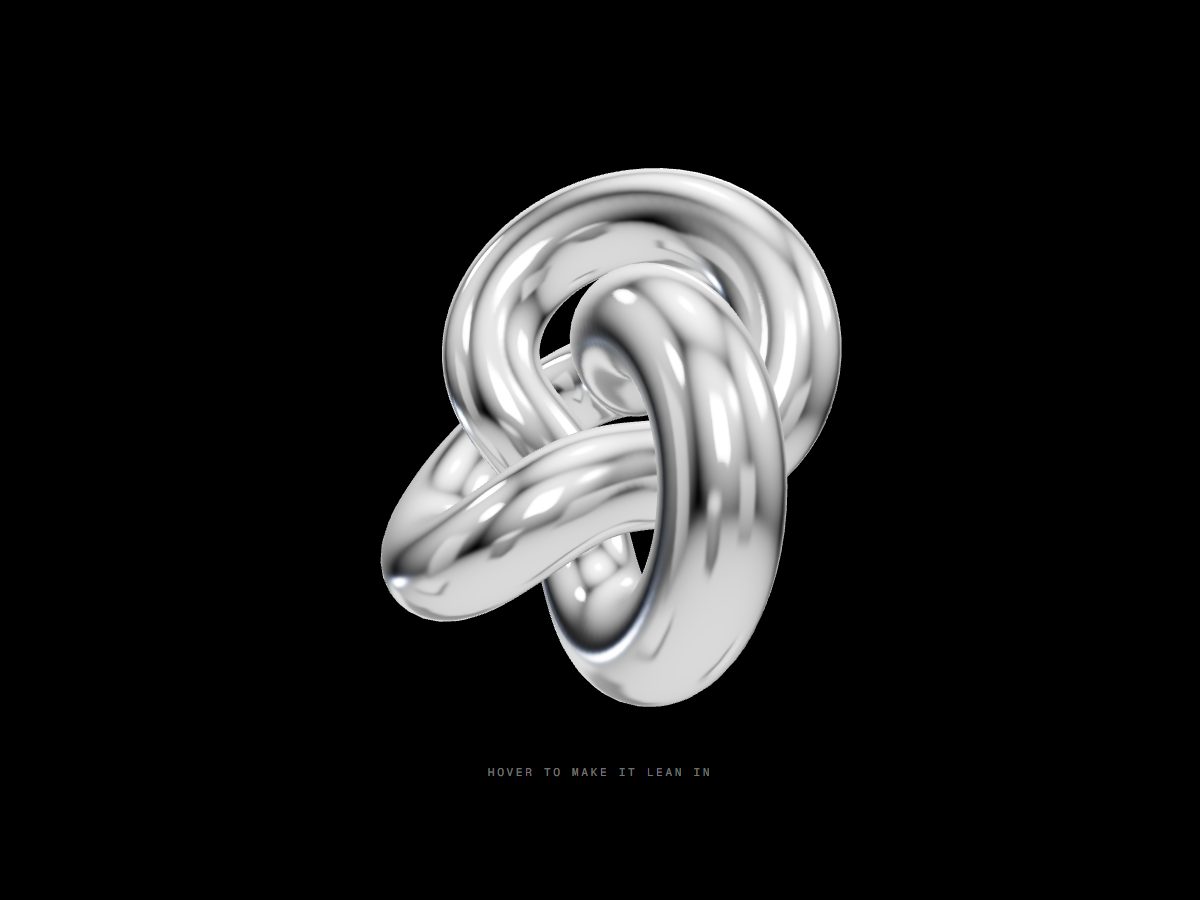
Isolated · Chrome
Chrome Knot
→A chrome torus knot turning on itself, leaning towards the cursor on hover.
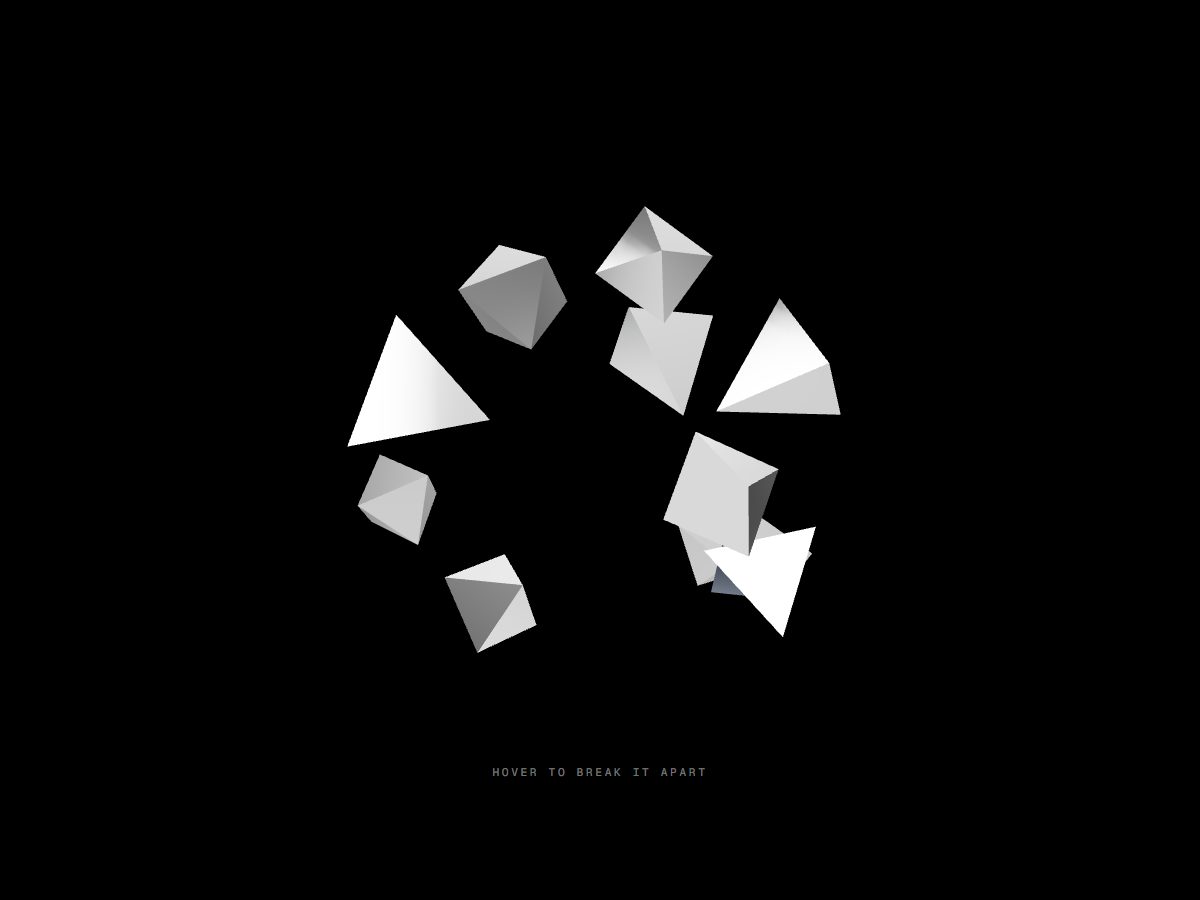
Isolated · Chrome
Chrome Shards
→A cluster of low-poly chrome shards that breaks apart on hover.
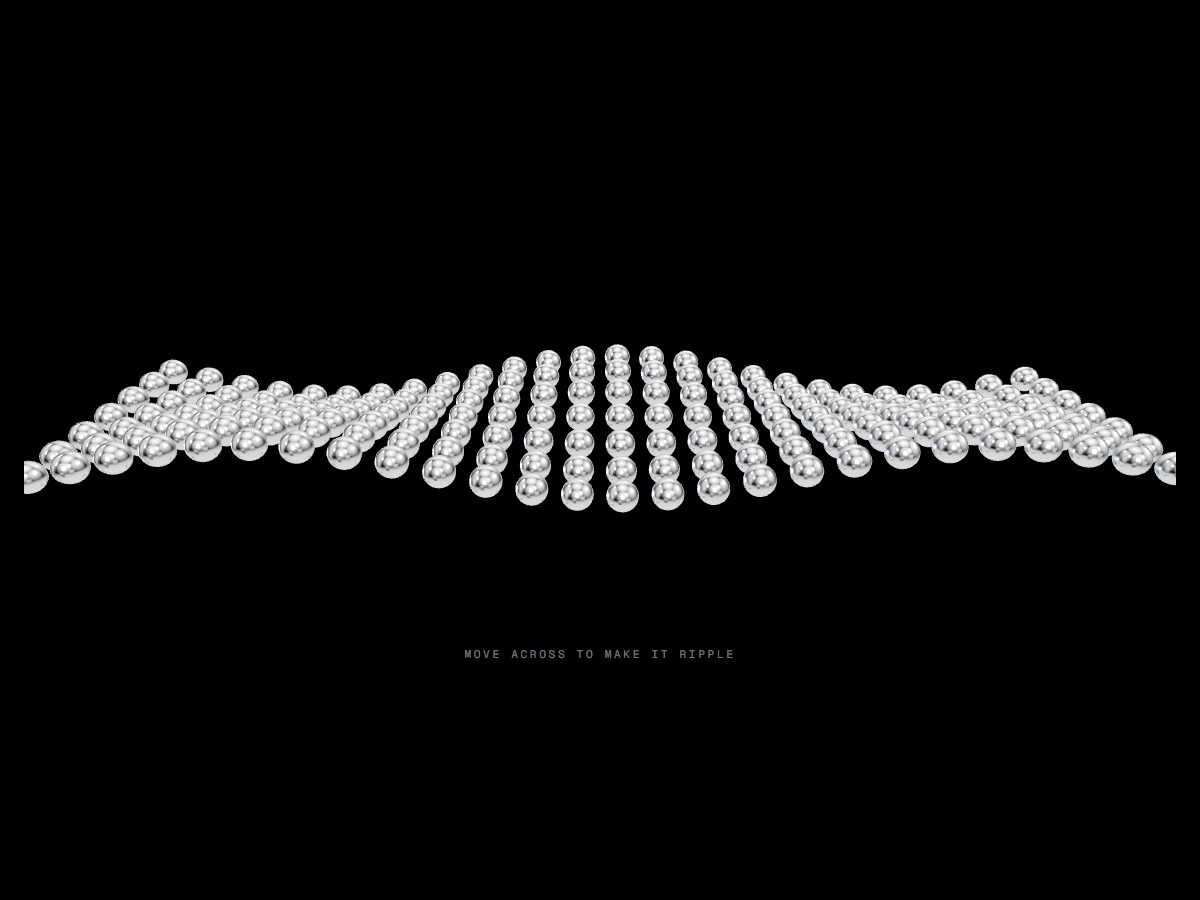
Isolated · Chrome
Chrome Waves
→A kinetic sculpture: a grid of chrome spheres in a travelling wave that ripples under the cursor.